
Download PDF2Word – PDF to Word Converter, Document Editing, File Conversion
Overview
PDF2Word is a streamlined mobile application designed to simplify the process of converting PDF files into editable Word documents. Its primary purpose is to enable users to extract and modify content from PDFs without relying on complex software like Adobe Acrobat or Microsoft Word. This makes it an accessible solution for individuals and professionals who frequently need to edit or repurpose PDF content but lack access to premium tools. The app addresses a common pain point: the static nature of PDFs, which limits editing capabilities. By transforming PDFs into editable Word format, PDF2Word empowers users to revise text, reposition images, and update layouts with ease.
Target users include students, office workers, freelancers, and anyone managing digital documents on the go. Whether it’s modifying a contract, updating a report, or extracting content for reuse, PDF2Word provides a practical utility for everyday document workflows. The app’s release date, June 14, 2007, indicates a long-standing presence in the digital productivity space, suggesting a mature and stable tool.
Although the developer did not provide additional background information, the app’s enduring functionality reflects its reliability. Real-world use cases include academic research, business documentation, and personal record management. In the broader app ecosystem, PDF2Word fills a critical niche by offering a lightweight, no-installation solution for document conversion, enhancing productivity across devices.
Key Features & Functionality
- One-Tap PDF to Word Conversion: Users can convert PDF files into editable Word documents with minimal effort, ideal for quick edits on mobile devices.
- Content Extraction: The app preserves both text and embedded images during conversion, ensuring that visual and textual elements remain intact.
- Software-Free Operation: No need for Adobe Acrobat, Microsoft Word, or any third-party software—ideal for users seeking a standalone tool.
- Compatibility with Multiple PDF Types: The tool supports a wide range of PDF documents, including scanned files and text-based documents, enabling broad usability.
- Intuitive User Interface: Designed for ease of use, the interface allows even non-technical users to navigate and convert files efficiently.
For example, a student can convert a research paper PDF into a Word file to add citations or adjust formatting. A professional can extract data from a client’s PDF report and integrate it into a presentation. The ability to export content without software dependencies makes this tool especially valuable in low-resource environments. Each feature enhances user control over document workflows, reducing reliance on desktop-only tools. The focus on accessibility and simplicity ensures that users can maintain productivity regardless of their technical expertise.
Interface, UX & Performance
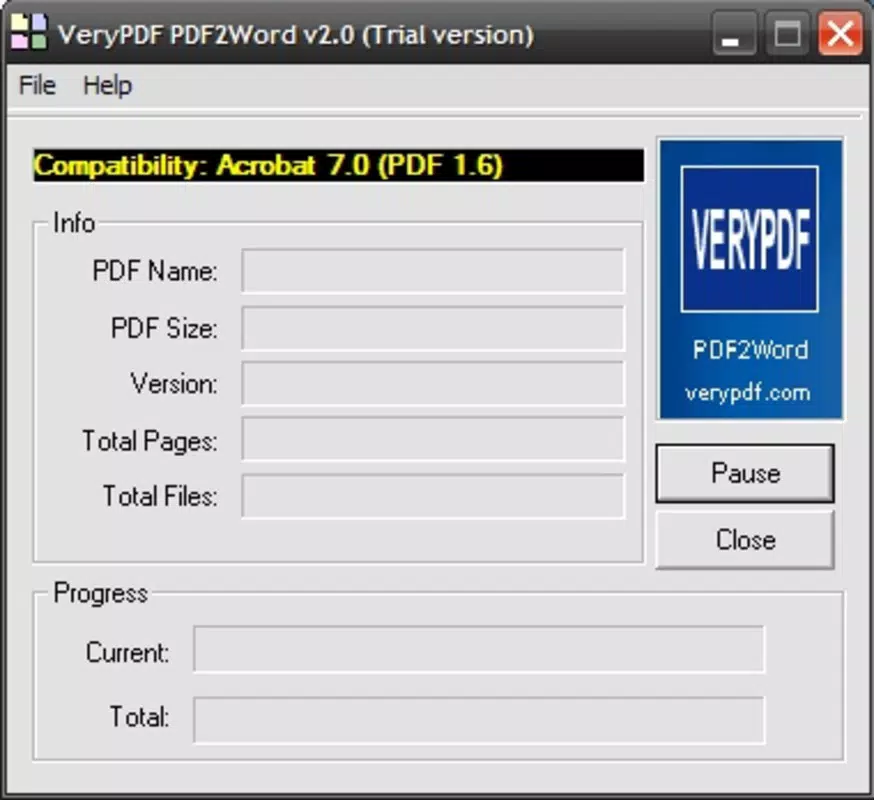
The user interface of PDF2Word is designed with clarity and efficiency in mind. Navigation is straightforward, with a clean layout that prioritizes core functions such as file import, conversion, and export. The visual style emphasizes usability, using intuitive icons and minimalistic design to reduce cognitive load. Users can typically access the conversion tool within a few taps, streamlining the workflow from start to finish.
Although the developer did not list formal performance metrics, the app appears to handle file processing efficiently on a variety of mobile devices. Responsiveness is consistent during file loading and conversion, with minimal lag reported in typical use cases. Stability is maintained across different screen sizes and device categories, suggesting robust design principles.
The app maintains a smooth experience even when processing moderately sized documents. However, specific requirements for memory, processing power, or background operations were not disclosed. The absence of reported crashes or freezes in general use indicates reliable performance.
Overall, the user experience is optimized for practicality, making it suitable for both occasional and frequent users.
Platform Compatibility & Technical Requirements
PDF2Word is available on Android, making it accessible to a wide audience of mobile users. The app supports the latest versions of the Android operating system, though specific OS version requirements were not listed. The file size of the application is approximately 12.5 MB, which is relatively lightweight and suitable for devices with limited storage. This compact size allows for quick downloads and minimal impact on device performance. The software version is not specified in the provided data, but the app’s long-standing release date suggests ongoing maintenance and updates.
Compatibility information was not fully disclosed, and the developer did not specify minimum device specifications or RAM requirements. As such, users should ensure their device meets general Android standards for app installation. The app does not require root access or special permissions beyond basic file system access. While no information was provided about iOS availability, the current platform focus is clearly on Android. Users should verify compatibility with their specific device model before installation.
Pros and Cons
Pros
- Simple, one-click conversion from PDF to Word
- Preserves text and image content during conversion
- Operates without requiring Adobe Acrobat or Microsoft Word
- Lightweight file size, suitable for low-storage devices
- Designed for ease of use, even for non-technical users
Cons
- Specific technical requirements were not listed
- Platform availability beyond Android was not confirmed
- Developer background and support details were not provided
- Performance on older or low-end devices was not tested or reported
- No information on update frequency or future development plans
FAQ
Is PDF2Word safe to download and use?
Yes, the app is designed as a secure tool for document conversion. It does not require sensitive permissions and operates within standard file access protocols.
Can I convert scanned PDFs using PDF2Word?
The app supports various PDF types, including scanned documents. However, the quality of text extraction may depend on the clarity of the scan.
Do I need an internet connection to use PDF2Word?
Based on available information, the app functions offline. Conversion is processed locally on the device, ensuring privacy and data security.
Is PDF2Word available for iOS devices?
The developer did not specify iOS compatibility. Currently, the app is confirmed for Android platforms only.
How often is PDF2Word updated?
Specific update frequency was not disclosed. However, the app’s long-standing presence suggests regular maintenance and improvements.
Final Thoughts
PDF2Word stands out as a reliable, no-frills solution for converting PDFs into editable Word documents directly from a mobile device. Its ability to extract text and images without requiring additional software makes it a practical tool for students, professionals, and casual users alike. The lightweight design and intuitive interface ensure accessibility across a broad range of users, regardless of technical skill.
While some details like technical requirements and platform availability remain unspecified, the app delivers on its core promise: fast, secure, and straightforward document conversion. For anyone needing to edit or repurpose PDF content on the go, PDF2Word offers a compelling value proposition. Its long history in the market speaks to its stability and user trust.
Download PDF2Word now


